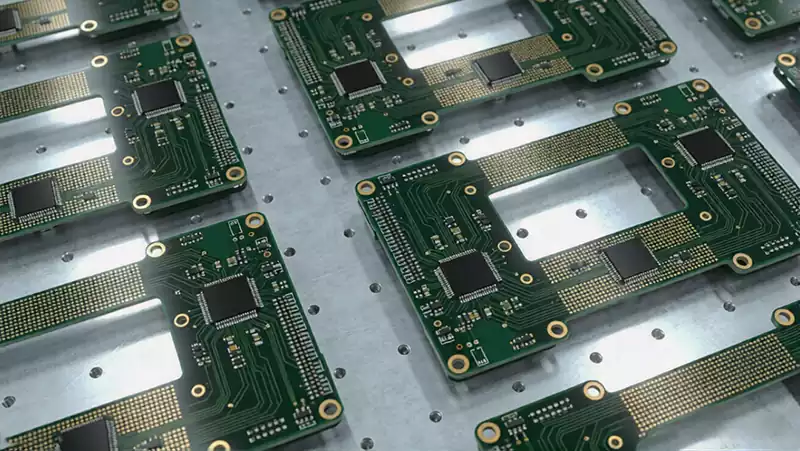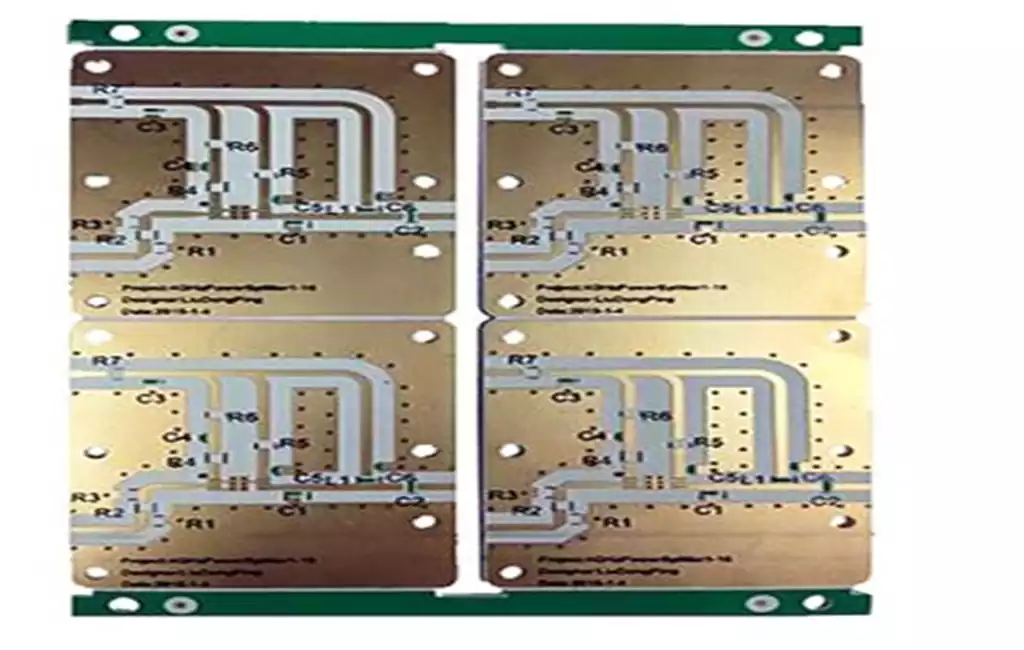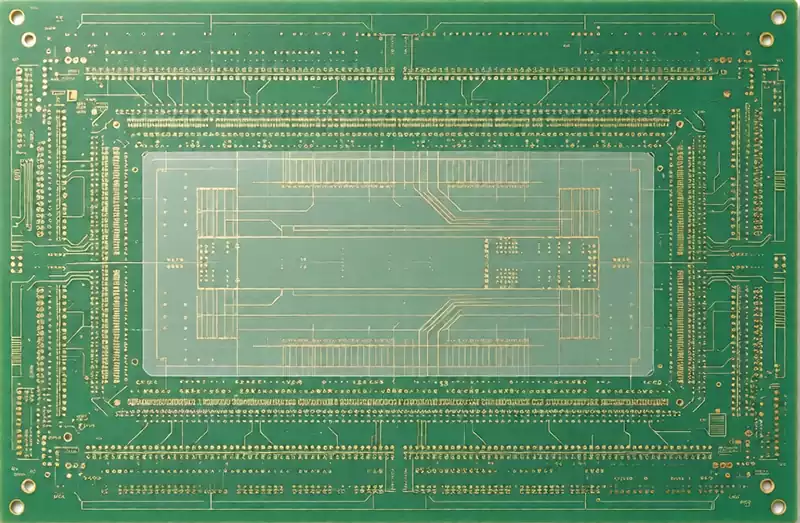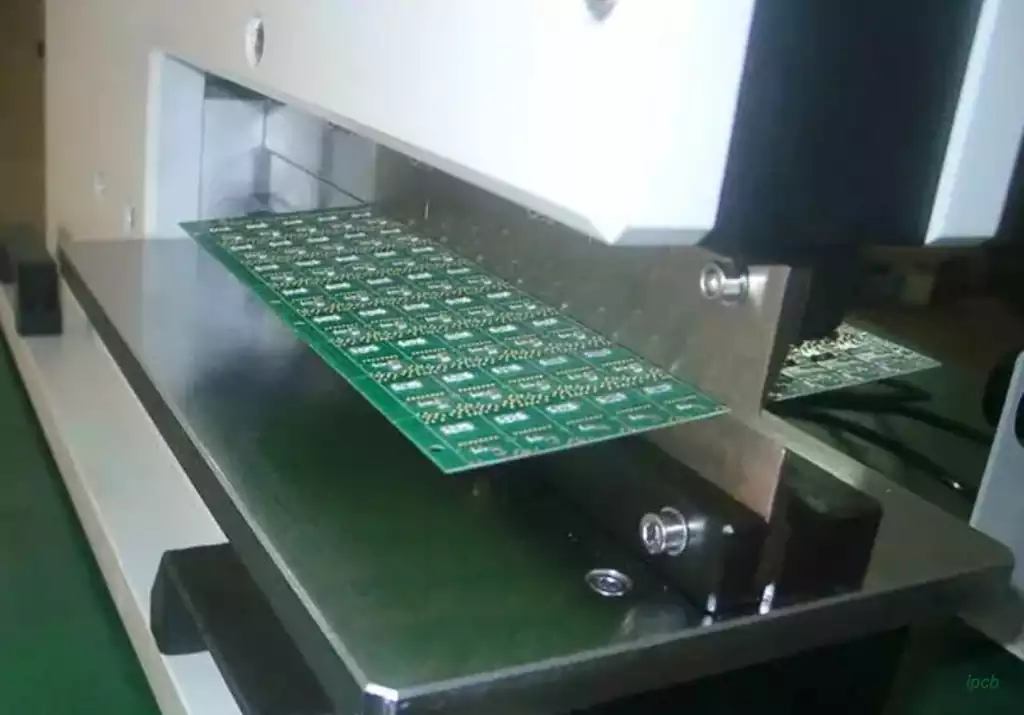
An eagle pcb board is a printed circuit board designed using EAGLE, an electronic design automation (EDA) tool originally developed by CadSoft and later acquired by Autodesk. The software provides tools for creating circuit schematics, arranging components, routing electrical connections, and preparing PCB design data for manufacturing.
EAGLE connects the electrical design process with the physical layout of a circuit board. Instead of manually translating a schematic into a separate pcb board drawing, designers can work with linked schematic and board files. This helps maintain consistency between circuit connections and physical component placement.
For engineers developing prototypes or electronic products, understanding how an EAGLE design becomes a manufacturable PCB is just as important as knowing how to use the layout editor.
From Circuit Schematic to PCB Layout
PCB design usually begins with a schematic that defines the electrical relationships between components. In EAGLE, designers select component symbols from libraries and connect their pins to represent the intended circuit.
Each component also needs a corresponding physical package, commonly called a footprint. The schematic symbol represents the component electrically, while the footprint defines its physical pads, dimensions, and mounting arrangement on the board. An incorrect footprint can cause assembly problems even when the schematic itself is electrically correct.
After the schematic is prepared, the designer can generate or switch to the board layout. Components initially appear outside the board outline or in an unarranged area. They must then be positioned according to electrical, mechanical, and thermal requirements.
For example, connectors may need to align with enclosure openings, while power components may require sufficient copper area for heat dissipation. Decoupling capacitors should generally be positioned close to the relevant IC power pins to keep current loops short. High-speed signals may need controlled routing and suitable reference planes.
The relationship between the schematic and board layout is important throughout this process. When a connection changes, the corresponding board data should remain synchronized. Designers should also check that every required electrical connection is represented correctly before proceeding to manufacturing preparation.
Routing and Design Rule Checks
Once component placement is established, the next task is routing. Traces connect component pads according to the electrical connections defined in the schematic. Their width, spacing, layer assignment, and routing geometry affect electrical performance and manufacturing feasibility.
An eagle pcb board may use one or multiple copper layers depending on circuit complexity. Simple designs can often be routed on a single or double-sided board, while more complex circuits may require multilayer construction to provide additional signal routing space, ground planes, and power distribution.
Automatic routing can help complete some connections, but it does not replace engineering review. A routing result may satisfy basic connectivity requirements while still creating problems with signal integrity, electromagnetic interference, thermal performance, or manufacturing clearances.
EAGLE provides design rule checking (DRC) to evaluate whether a layout meets configured physical design constraints. These checks can identify issues such as insufficient copper spacing, incorrect clearances, and manufacturing rule violations. Electrical rule checking (ERC) helps identify potential problems in the schematic, including certain connection and pin-configuration issues.
However, passing DRC and ERC does not guarantee that a pcb board will work correctly. These tools check the rules that have been configured; they cannot independently confirm every aspect of circuit behavior, component suitability, or application-specific performance.
Engineers should review critical nets, power paths, grounding, component orientation, mounting holes, and board dimensions before releasing the design.
Preparing an EAGLE Design for PCB Manufacturing
A completed layout still needs to be converted into manufacturing data. PCB manufacturers generally require Gerber files for the relevant board layers, along with drill data and fabrication specifications. Depending on the project, additional information may include a layer stack-up, board outline, copper thickness, finished board thickness, surface finish, and controlled-impedance requirements.
EAGLE’s CAM Processor can be used to configure and generate manufacturing outputs. The output configuration must include the correct layers and settings for the intended board construction. An incomplete or incorrectly configured CAM job may produce files that do not accurately represent the design.
Before sending an eagle pcb board design for production, engineers should review the exported files in a Gerber viewer. This helps confirm that copper layers, solder mask openings, silkscreen markings, drill locations, and board outlines are represented correctly.
Particular attention should be given to the board outline and plated versus non-plated holes. If the outline is missing, ambiguous, or inconsistent with the drill data, the manufacturer may need clarification before production can proceed.
The original EAGLE project files, including schematic and board data, should also be retained. Autodesk documentation notes that EAGLE SCH and BRD project files are stored locally rather than automatically saved as Fusion cloud documents. Keeping complete project files makes later design revisions and engineering handovers easier.

What Manufacturers Need Beyond the PCB Board File
A PCB layout file describes the electrical and physical arrangement of a board, but it does not always contain every specification required for fabrication. Manufacturers need clear production instructions to translate design data into a finished circuit board.
The fabrication package should identify the required layer count, material, finished thickness, copper weight, surface finish, solder mask color, and relevant dimensional tolerances. If the design includes controlled-impedance signals, the target impedance and stack-up requirements should also be provided.
Design for manufacturability (DFM) review is another important step. A manufacturer may evaluate minimum trace width and spacing, annular ring dimensions, drill sizes, copper-to-edge clearance, and other production constraints. Potential issues can then be discussed before the board enters fabrication.
It is also important to distinguish PCB fabrication from PCB assembly. An EAGLE pcb board layout is primarily used to define the bare circuit board. If the project requires a completed assembly, additional files and information may be necessary, including a bill of materials (BOM), component placement data, and assembly drawings.
The design tool used to create a pcb board does not determine its final manufacturing quality by itself. File accuracy, engineering decisions, material selection, fabrication capability, and inspection all contribute to the result.
An eagle pcb board can provide a clear path from circuit concept to physical PCB when its schematic, component footprints, routing, and manufacturing outputs are properly managed. Careful design verification and communication with the manufacturer help reduce production errors and make the transition from electronic design to a functional circuit board more predictable.